
# IPTV Test 2026 Free Trial Setup and Quality Inspection Guide
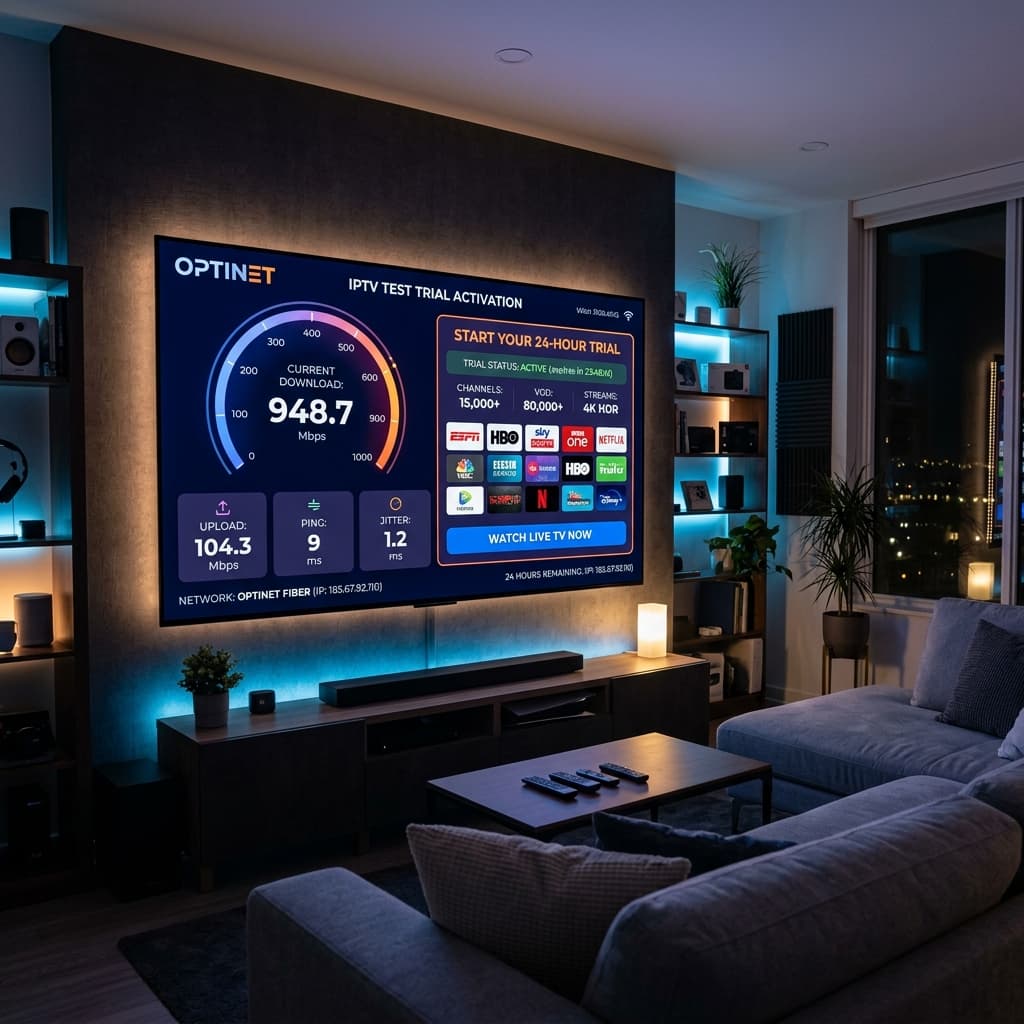
In the rapidly evolving digital home entertainment market, taking advantage of a risk free iptv test has become the smartest first step for viewers looking to evaluate streaming quality before committing to a long term subscription. An iptv test allows you to test server uptime, check channel resolution, measure zapping speeds, and verify full compatibility across your home devices.
In this comprehensive 2026 guide, we explain everything you need to know about requesting an iptv test, setting up test credentials in five minutes, evaluating Anti Freeze server stability, answering common questions in our FAQ section, and demonstrating why an Eagle4k test line delivers the gold standard in performance.
## Why Performing an IPTV Test Is Essential Before Subscribing
Requesting a free iptv test is the ultimate way to verify that a provider fulfills their marketing promises. Many low cost providers claim four K stability, yet suffer severe buffering during high traffic live sports events.
By starting with an official iptv test from Eagle4k, you get twenty four hours of unrestricted access to our complete server ecosystem. This lets you inspect high bitrate four K sports streams, evaluate Electronic Program Guide speed, test multi language subtitles, and ensure that your home internet router connects without throttling.
## Key Performance Indicators to Look for During Your IPTV Test
1. Four K Ultra HD Bitrate and Stability. Verify that live sports broadcasts maintain smooth sixty frames per second playback during peak hours.
2. Rapid Channel Switching Speed. A high performance server switches live television channels in less than one second without freezing screens.
3. Complete Electronic Program Guide Accuracy. Confirm that the program data grid updates correctly across international network feeds.
4. Extensive Video on Demand Catalog Access. Test movie libraries and TV series with clear multi language audio choices.
5. Multi Device Compatibility Testing. Test your credentials on Smart TVs, Amazon Firesticks, Android TV boxes, and mobile devices.
## Step by Step Instructions How to Activate Your IPTV Test
Requesting and activating your Eagle4k iptv test takes less than five minutes.
1. Navigate to the free trial request button on our website header to launch the activation chat.
2. Select your preferred device type such as Smart TV, Firestick, Android Box, or Apple device.
3. Choose your preferred media player application like TiviMate or IPTV Smarters Pro.
4. Receive your instant trial credentials including server URL, username, and password via email or messaging.
5. Open your application and select login via Xtream Codes API.
6. Enter your trial details to immediately load all channel lists and movies for your twenty four hour test period.
## Frequently Asked Questions and Answers About IPTV Test Trials
Question one. Is the Eagle4k iptv test completely free of charge.
Answer. Yes, our official twenty four hour iptv test is completely free with no payment card required.
Question two. Do I get access to all channels during my iptv test.
Answer. Yes, your iptv test unlocks full access to over sixty thousand live channels and our entire video on demand library.
Question three. Can I use the iptv test on multiple devices at once.
Answer. A standard trial line is configured for one active connection at a time to ensure maximum testing precision.
Question four. Why is Eagle4k the best service provider for an iptv test.
Answer. Eagle4k utilizes Anti Freeze version nine point zero technology distributed across six dedicated global edge server clusters for ninety nine point ninety nine percent uptime.
Question five. What internet speed do I need for a flawless four K iptv test.
Answer. A minimum stable download speed of twenty five megabits per second handles High Definition, while fifty megabits per second is recommended for four K sports.
## Conclusion
Taking advantage of a free Eagle4k iptv test is the best way to experience premium four K streaming with zero risk. Request your trial credentials today and enjoy borderless entertainment.
In the rapidly evolving digital home entertainment market, taking advantage of a risk free iptv test has become the smartest first step for viewers looking to evaluate streaming quality before committing to a long term subscription. An iptv test allows you to test server uptime, check channel resolution, measure zapping speeds, and verify full compatibility across your home devices.
In this comprehensive 2026 guide, we explain everything you need to know about requesting an iptv test, setting up test credentials in five minutes, evaluating Anti Freeze server stability, answering common questions in our FAQ section, and demonstrating why an Eagle4k test line delivers the gold standard in performance.
## Why Performing an IPTV Test Is Essential Before Subscribing
Requesting a free iptv test is the ultimate way to verify that a provider fulfills their marketing promises. Many low cost providers claim four K stability, yet suffer severe buffering during high traffic live sports events.
By starting with an official iptv test from Eagle4k, you get twenty four hours of unrestricted access to our complete server ecosystem. This lets you inspect high bitrate four K sports streams, evaluate Electronic Program Guide speed, test multi language subtitles, and ensure that your home internet router connects without throttling.
## Key Performance Indicators to Look for During Your IPTV Test
1. Four K Ultra HD Bitrate and Stability. Verify that live sports broadcasts maintain smooth sixty frames per second playback during peak hours.
2. Rapid Channel Switching Speed. A high performance server switches live television channels in less than one second without freezing screens.
3. Complete Electronic Program Guide Accuracy. Confirm that the program data grid updates correctly across international network feeds.
4. Extensive Video on Demand Catalog Access. Test movie libraries and TV series with clear multi language audio choices.
5. Multi Device Compatibility Testing. Test your credentials on Smart TVs, Amazon Firesticks, Android TV boxes, and mobile devices.
## Step by Step Instructions How to Activate Your IPTV Test
Requesting and activating your Eagle4k iptv test takes less than five minutes.
1. Navigate to the free trial request button on our website header to launch the activation chat.
2. Select your preferred device type such as Smart TV, Firestick, Android Box, or Apple device.
3. Choose your preferred media player application like TiviMate or IPTV Smarters Pro.
4. Receive your instant trial credentials including server URL, username, and password via email or messaging.
5. Open your application and select login via Xtream Codes API.
6. Enter your trial details to immediately load all channel lists and movies for your twenty four hour test period.
## Frequently Asked Questions and Answers About IPTV Test Trials
Question one. Is the Eagle4k iptv test completely free of charge.
Answer. Yes, our official twenty four hour iptv test is completely free with no payment card required.
Question two. Do I get access to all channels during my iptv test.
Answer. Yes, your iptv test unlocks full access to over sixty thousand live channels and our entire video on demand library.
Question three. Can I use the iptv test on multiple devices at once.
Answer. A standard trial line is configured for one active connection at a time to ensure maximum testing precision.
Question four. Why is Eagle4k the best service provider for an iptv test.
Answer. Eagle4k utilizes Anti Freeze version nine point zero technology distributed across six dedicated global edge server clusters for ninety nine point ninety nine percent uptime.
Question five. What internet speed do I need for a flawless four K iptv test.
Answer. A minimum stable download speed of twenty five megabits per second handles High Definition, while fifty megabits per second is recommended for four K sports.
## Conclusion
Taking advantage of a free Eagle4k iptv test is the best way to experience premium four K streaming with zero risk. Request your trial credentials today and enjoy borderless entertainment.